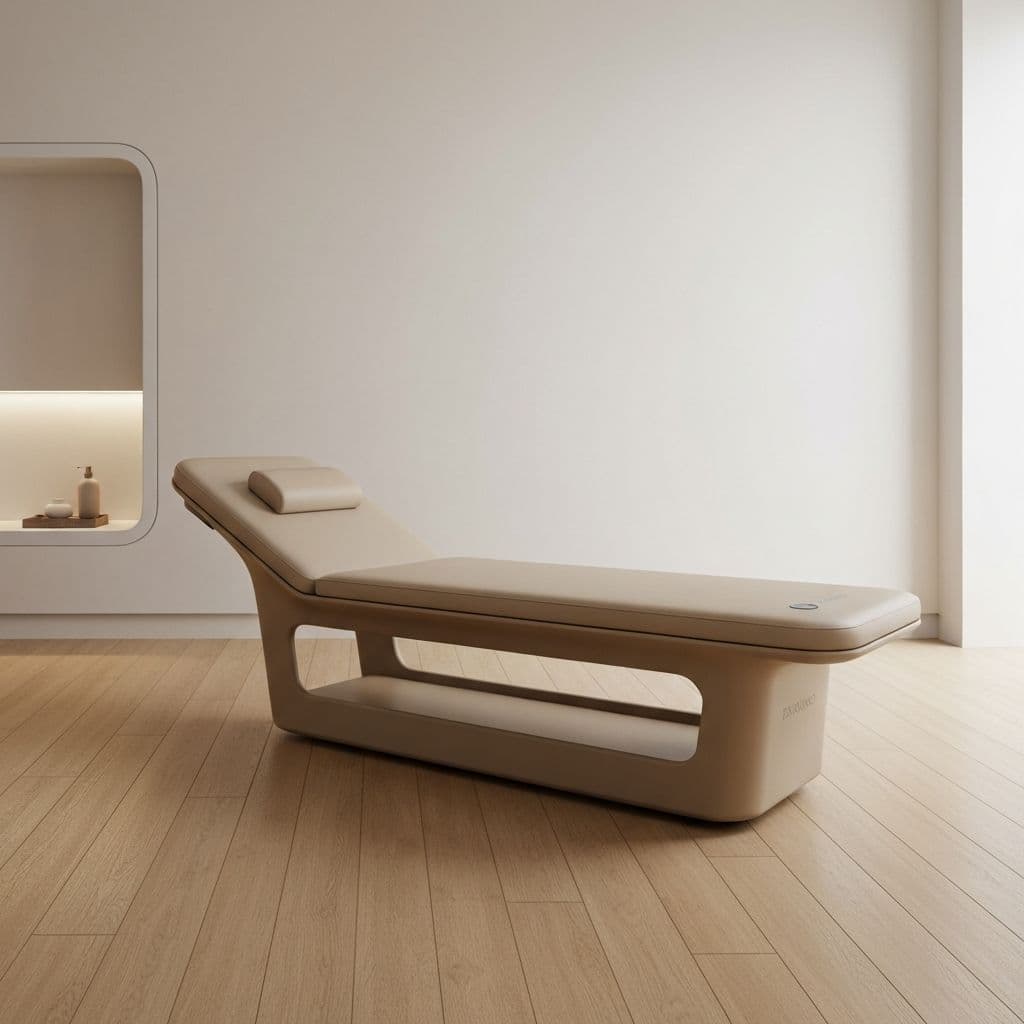
How to pair your TUNE for the first time

Pairing your TUNE for the first time takes just a few minutes. To get started, you'll need:
The TUNE Connect app installed on an iPhone or iPad. Download it from the App Store.
Your TUNE powered on. If you're turning it on for the first time, allow 1-2 minutes after turning on the power before trying to connect.
Once you've installed the TUNE Connect app and powered on your TUNE, open the app on your device. You'll see a screen that includes a Pair a TUNE button.
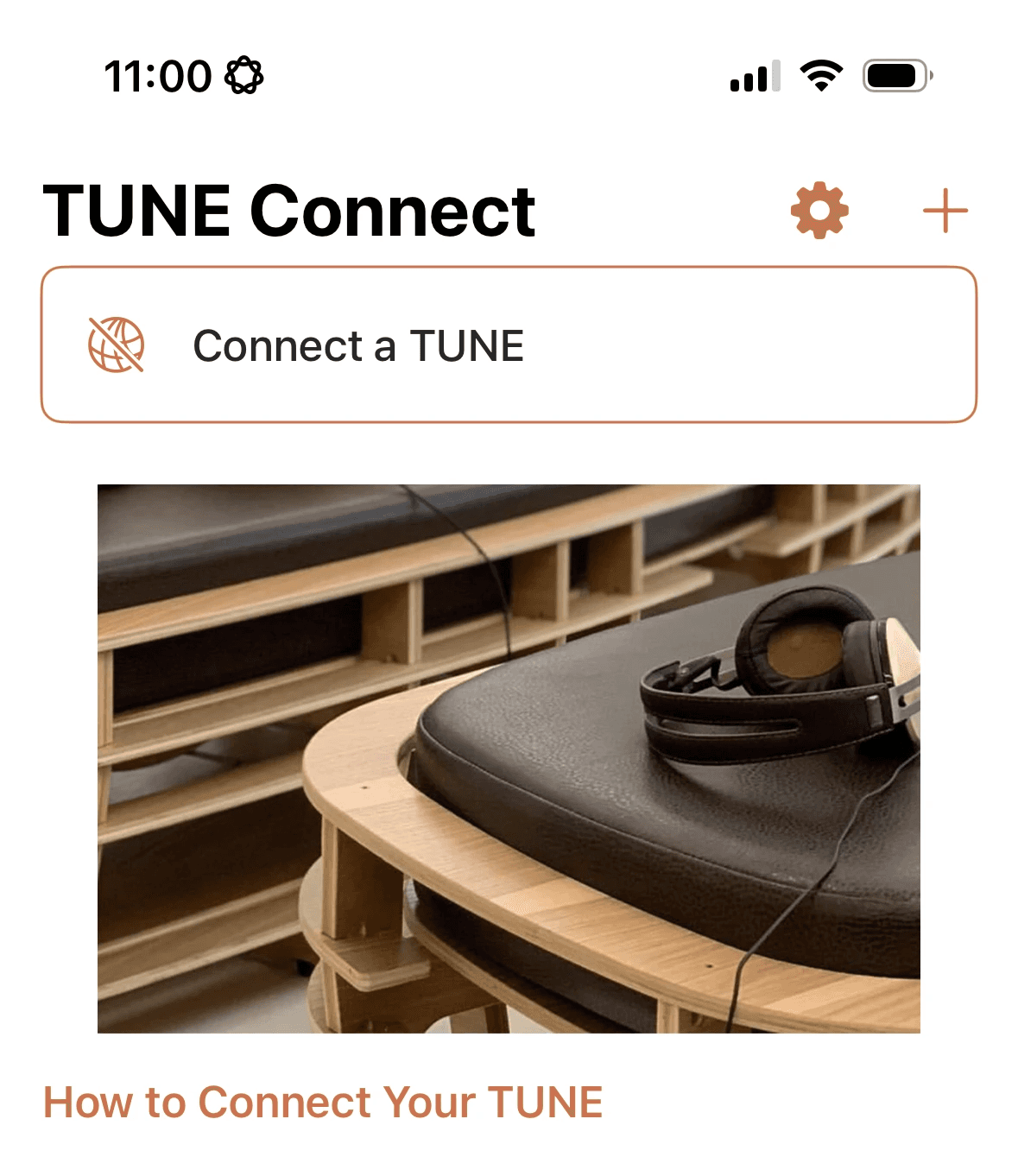
Tap the Pair a TUNE button. The app will briefly scan nearby devices to find your TUNE.
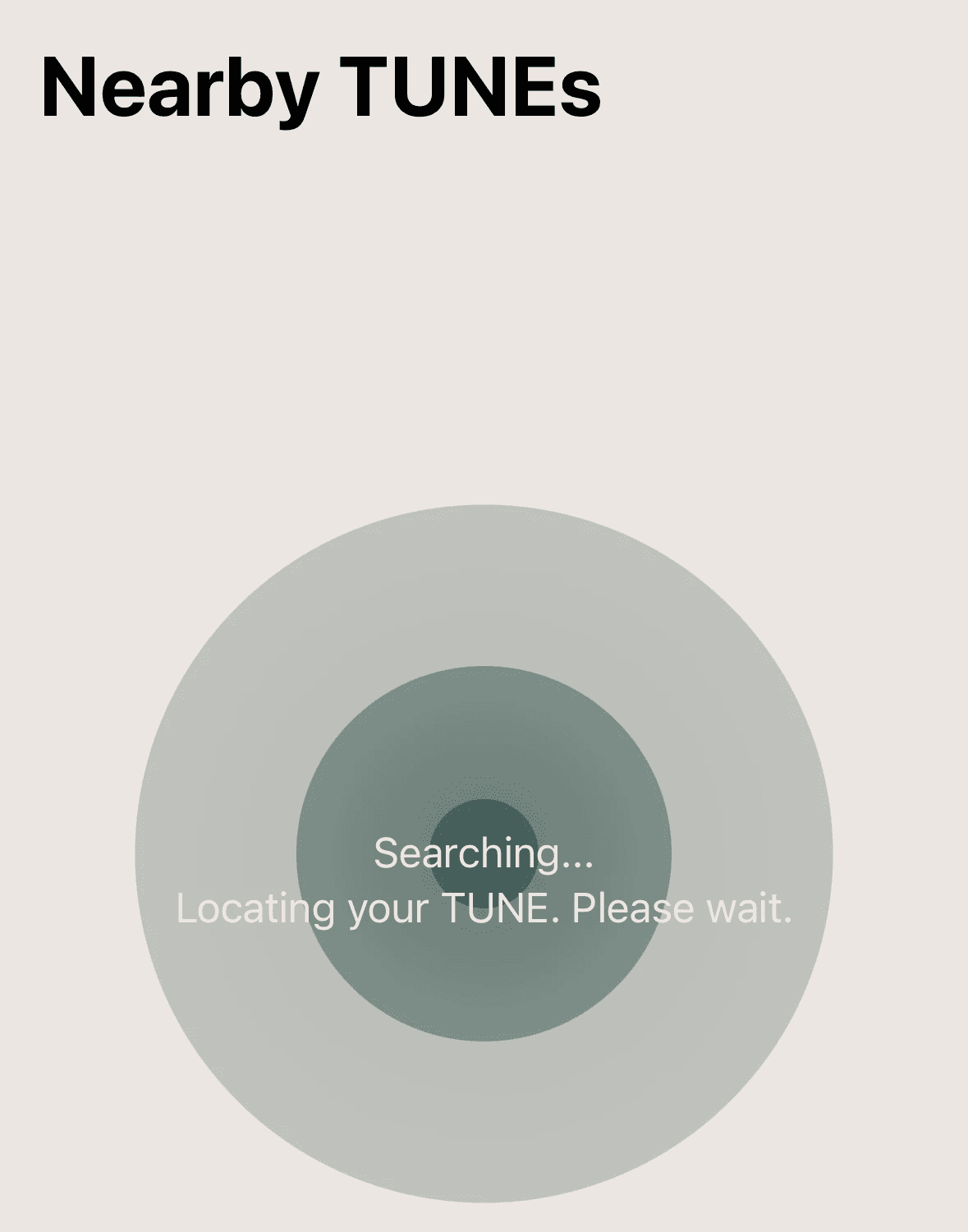
Typically, finding your TUNE will take just a few seconds. Once your TUNE is located, its name will appear here based on its unique hardware identifier in the format neuro-os-123. Tap your TUNE's name and the pairing process is complete!
If you run into any issues, we're here to help: just send us an email at help@staytuned.co!